Payee name check: what the result means
Before you confirm a SEPA payment, we check whether the beneficiary's name you entered matches the name of the account holder for that IBAN. The result appears on the confirmation screen. It helps you catch typos and scams before your money leaves your account. In most cases, you decide whether to continue.
Where you see it
- In the app: open IBAN → Send, fill in the payment and tap Continue. The result appears on Confirm a payment, above the Confirm button.
- On the web: select Make a payment, fill in the payment and select Continue. The result appears on the confirmation step.
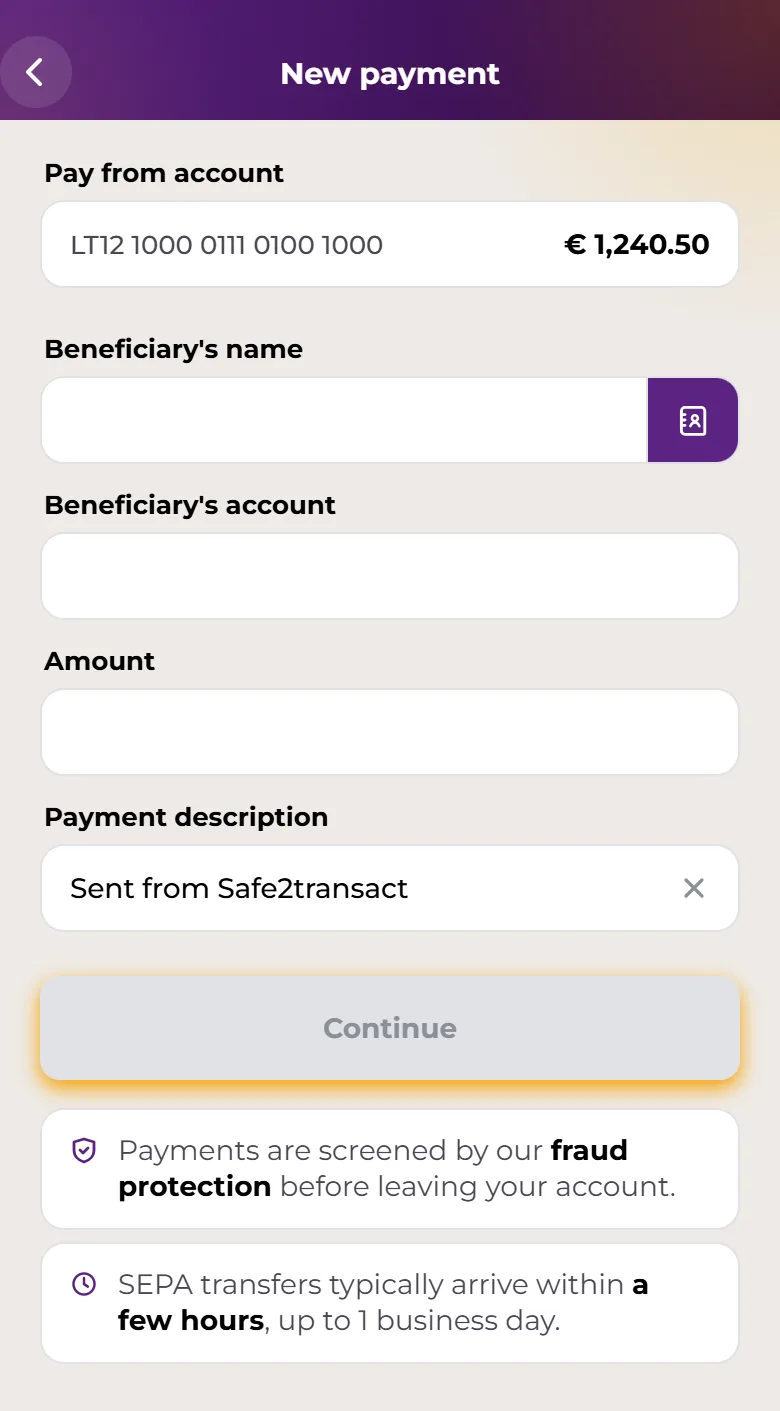
For how to send a payment, see Making a payment.
What each result means
The name matches
Beneficiary name and account match. The name you entered belongs to this IBAN. You can confirm the payment.
The name is close
The correct name associated with this account is followed by the account holder's name. This often means a small spelling difference or a missing middle name. If this is the person or business you mean to pay, tap Use this name to replace the name you typed. If you don't recognise the name, don't continue. Sometimes the app only says the name is similar but not exact: double-check the details before you confirm.
The name doesn't match
Beneficiary name and account do not match. Confirming the payment may send funds to the wrong beneficiary. Check the IBAN and name with the person you're paying, using contact details you already trust. Tap Edit payment details in the app, or Back to edit on the web, to correct them. You can still confirm, but you do so at your own risk.
The check isn't possible for this account
We couldn't verify the beneficiary's name with their bank. Please double-check the IBAN and recipient details before confirming. Some payment providers can't answer name checks. This says nothing about whether the details are right or wrong, so check them yourself before you continue.
The check couldn't be completed
You may see Unable to verify payee or We couldn't confirm the account name due to a technical issue. If possible, wait and try again before sending., together with You can still confirm the payment. Please double-check the beneficiary's name and IBAN before you do. If you can, wait a little and start the payment again.
The check is still running
While the check runs, the app shows Checking the name against the account holder… and you can't confirm yet. If it takes too long, tap Retry verification.
The payment can't be sent
- Payments to your own account are not supported. Please enter a different recipient IBAN.
- We couldn't find an active account for the IBAN you entered. Please double-check the details and try again.
In both cases you can't confirm the payment. Correct the IBAN and try again.
Why it matters
- Scammers often send fake invoices or messages with their own IBAN under someone else's name. A mismatch is a warning sign.
- Once a payment is sent, getting the money back may not be possible.
- EU rules require payment providers to offer this name check for euro transfers. The check compares names only: it doesn't tell you whether the person or business is genuine.
Please note: If someone pressures you to ignore a warning or to pay quickly, stop and check. If you think you've been targeted by a scam, see How to report suspicious activity or contact support.
IBAN and Visa card issuance and payment services are provided by Stanhope Financial UAB, a company registered in Lithuania (a member state of the European Union) with company code 305574870 and a registered address at Konstitucijos pr. 7, Vilnius, Lithuania. Stanhope Financial UAB is an Electronic Money Institution (EMI licence No. 78) authorized and regulated by the Bank of Lithuania. Access to your IBAN account and your VISA card is technically provided through the Safe2transact platform.