How to request your IBAN
Your Safe2transact account and your IBAN account are two separate things. Once your account is verified, you request your personal IBAN in a few taps. Your request is then reviewed, and we email you when your IBAN is ready.
Before you start
- Your account must be verified first. See Verification results and what to do next.
- You need two-factor authentication (2FA) with an authenticator app. If it isn't on yet, the app shows Enable 2-Factor authentication. See How to enable or reset Two-Factor Authentication (2FA).
- IBAN accounts are available in selected countries. See Countries eligible for IBAN.
- Fees are listed on Pricing.
In the app
- Open the IBAN tab, or find your IBAN under Your accounts on the Home tab.
- Tap Request IBAN.
- On Review and accept, tick each of the three statements (the Service Agreement, the Privacy Policy and the pricing of UAB Stanhope Financial). Each link opens the document in your browser.
- Tap Proceed.
- Enter the 6-digit code from your authenticator app.
- You'll see Request submitted. Tap Close.
On the web
- Go to IBAN account.
- Select Request IBAN.
- On Review and accept, tick each statement and select Agree & proceed.
- Enter the code from your authenticator app and select Confirm.
- You'll see Request submitted.
What happens next
- Pressing Request IBAN starts the process. It doesn't create your IBAN instantly.
- Every request goes through a manual review as part of our security and compliance procedures. This can take some time.
- While you wait, the Home tab shows Your request is under review. and your IBAN shows Processing request. You don't need to send another request.
- Cards and crypto become available once your IBAN is issued. Until then, the app tells you: Your IBAN is still being generated. You'll be able to order a card as soon as it's ready.
- When your IBAN account is open, we send you an email. In the app you'll see Your IBAN is ready.
- If we can't open an IBAN account for you, contact support.
How many IBANs can I have?
You can have one personal IBAN account.
Once your IBAN is ready
- To see your account number and BIC, open IBAN → Details in the app.
- Add money from another account. See How to add money to IBAN.
- Order a Visa card. See How to order a Visa card.
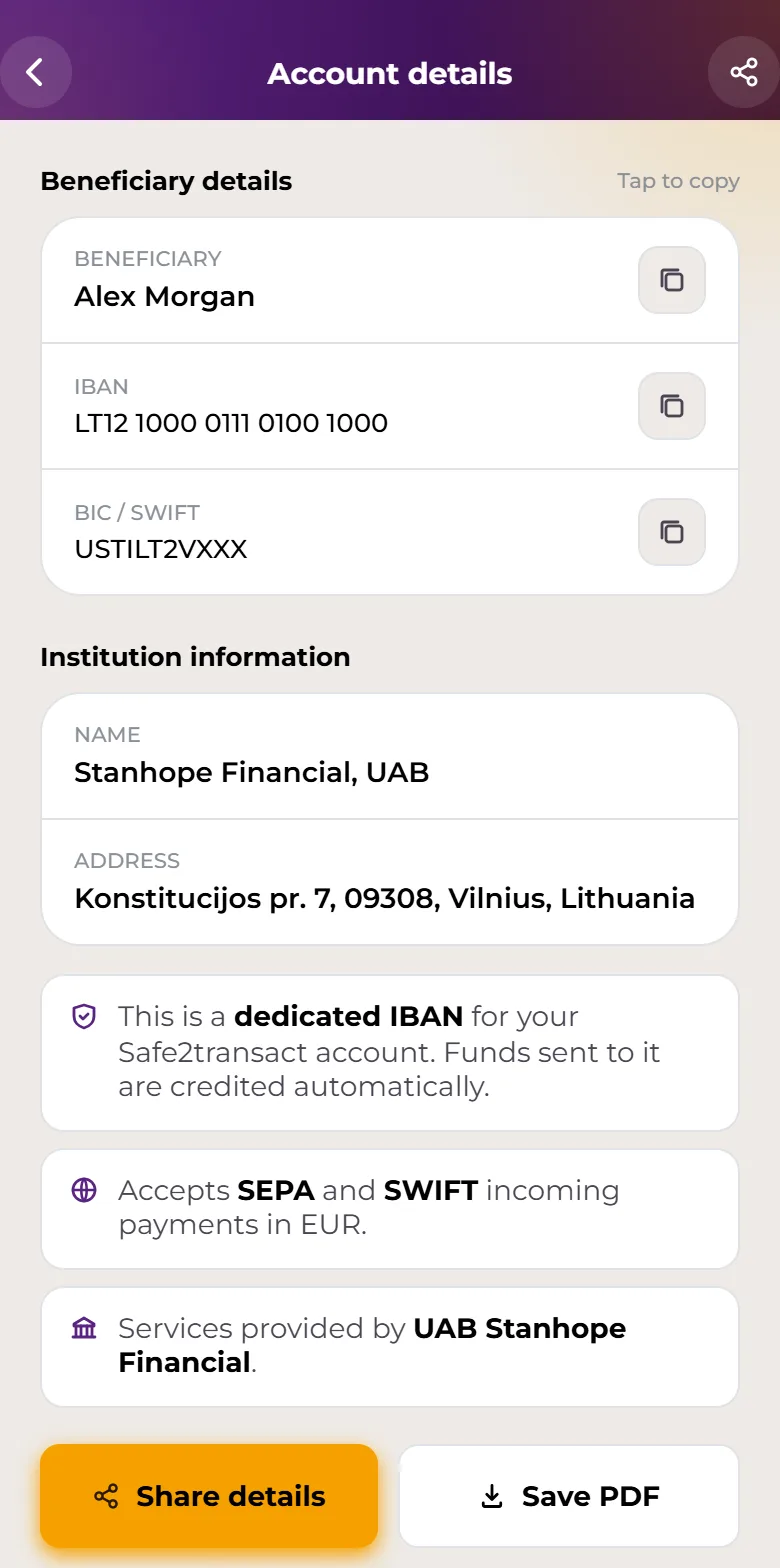
IBAN and Visa card issuance and payment services are provided by Stanhope Financial UAB, a company registered in Lithuania (a member state of the European Union) with company code 305574870 and a registered address at Konstitucijos pr. 7, Vilnius, Lithuania. Stanhope Financial UAB is an Electronic Money Institution (EMI licence No. 78) authorized and regulated by the Bank of Lithuania. Access to your IBAN account and your VISA card is technically provided through the Safe2transact platform.